July 2026: a free online E6B flight computer and preflight planning suite
FlightDecide has released a suite of eleven free, browser-based preflight planning tools, a web-based E6B flight computer, covering the calculations pilots have run on E6-B flight computers for eighty years: crosswind components, density altitude (with a cloud-base estimate), true airspeed and Mach, time-speed-distance, fuel burn and endurance, the wind triangle, a multi-leg cross-country trip planner, weight and balance, descent and glide planning, and holding-pattern entries, plus a printable personal minimums worksheet. Every tool is free, requires no sign-up, runs entirely in the browser with nothing uploaded, and explains the formula and the airmanship behind it, with worked examples cross-checked against published flight-computer results. The set includes touches pilots will actually use: paste a raw METAR to prefill the wind, drag the compass arrows instead of typing degrees, and see the AIM holding-entry sectors drawn around your own heading.
What FlightDecide is
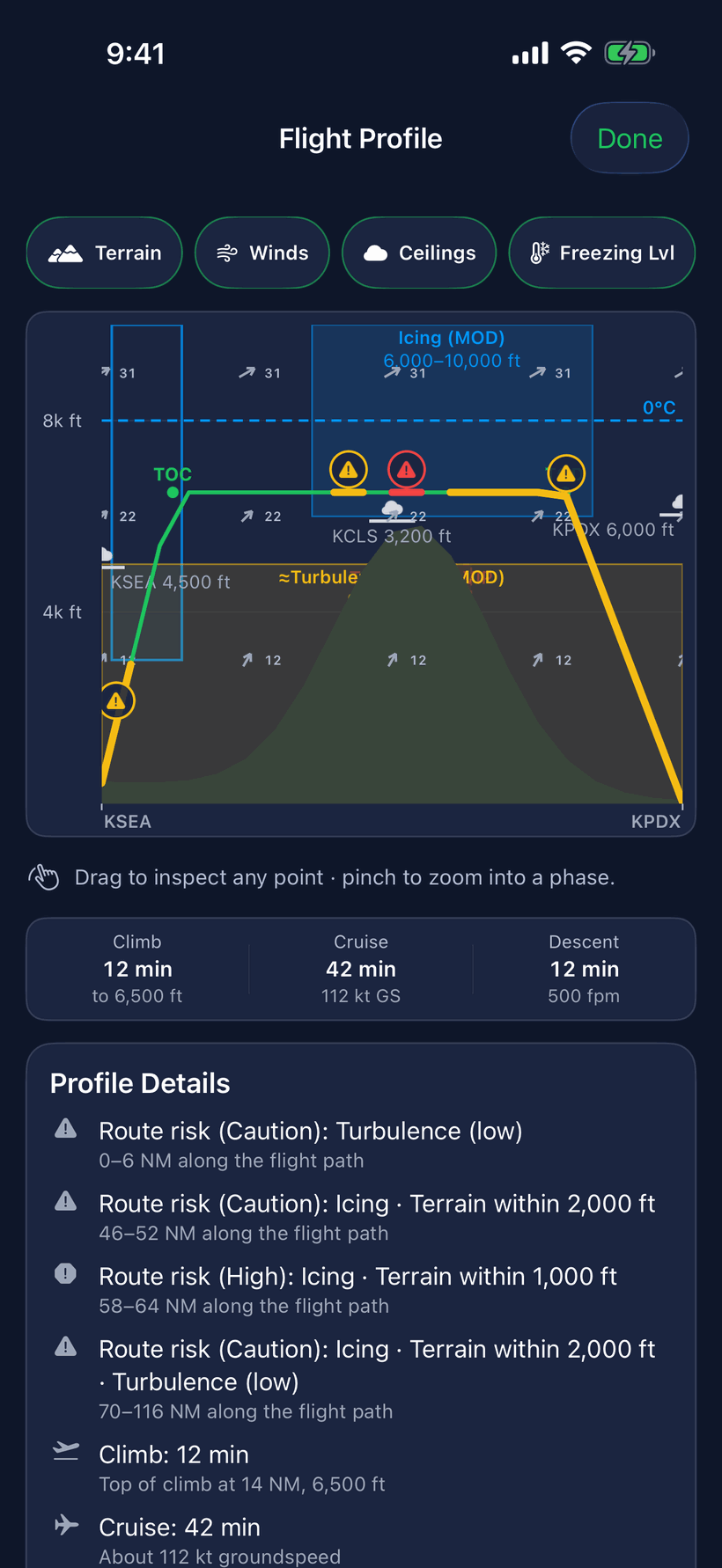
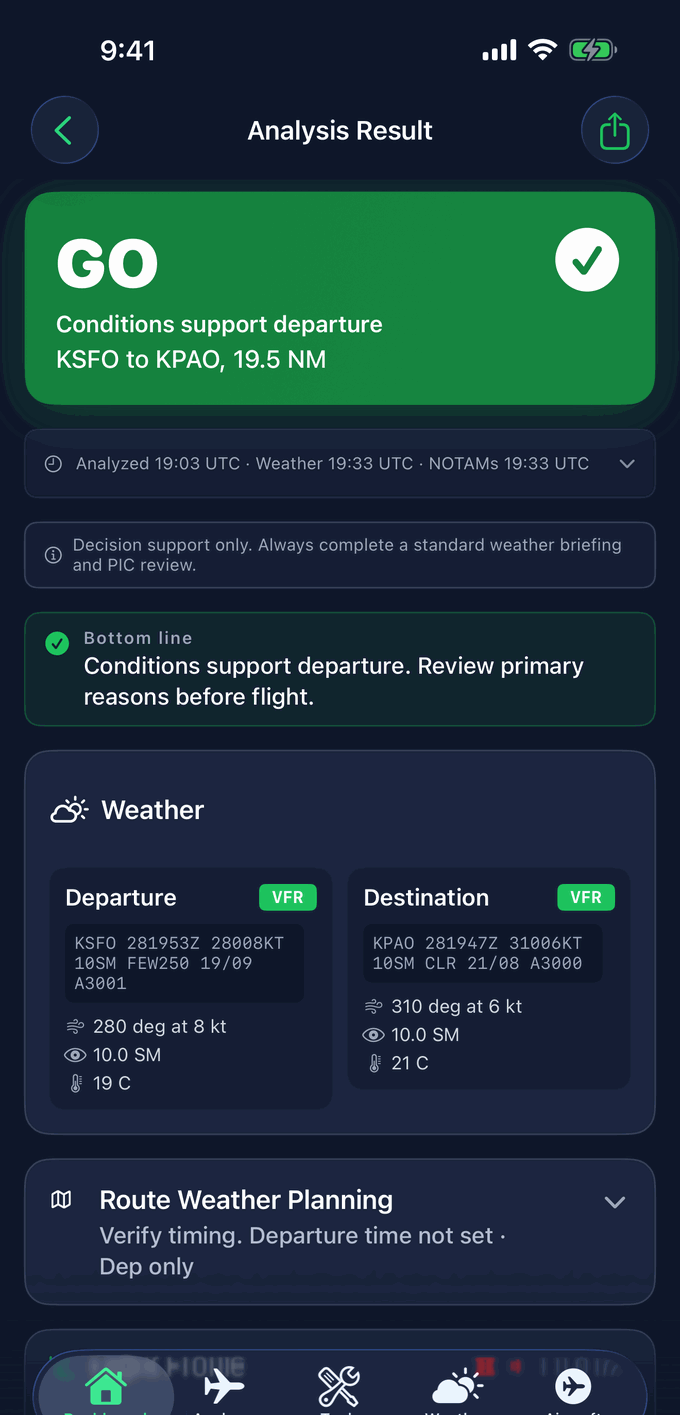
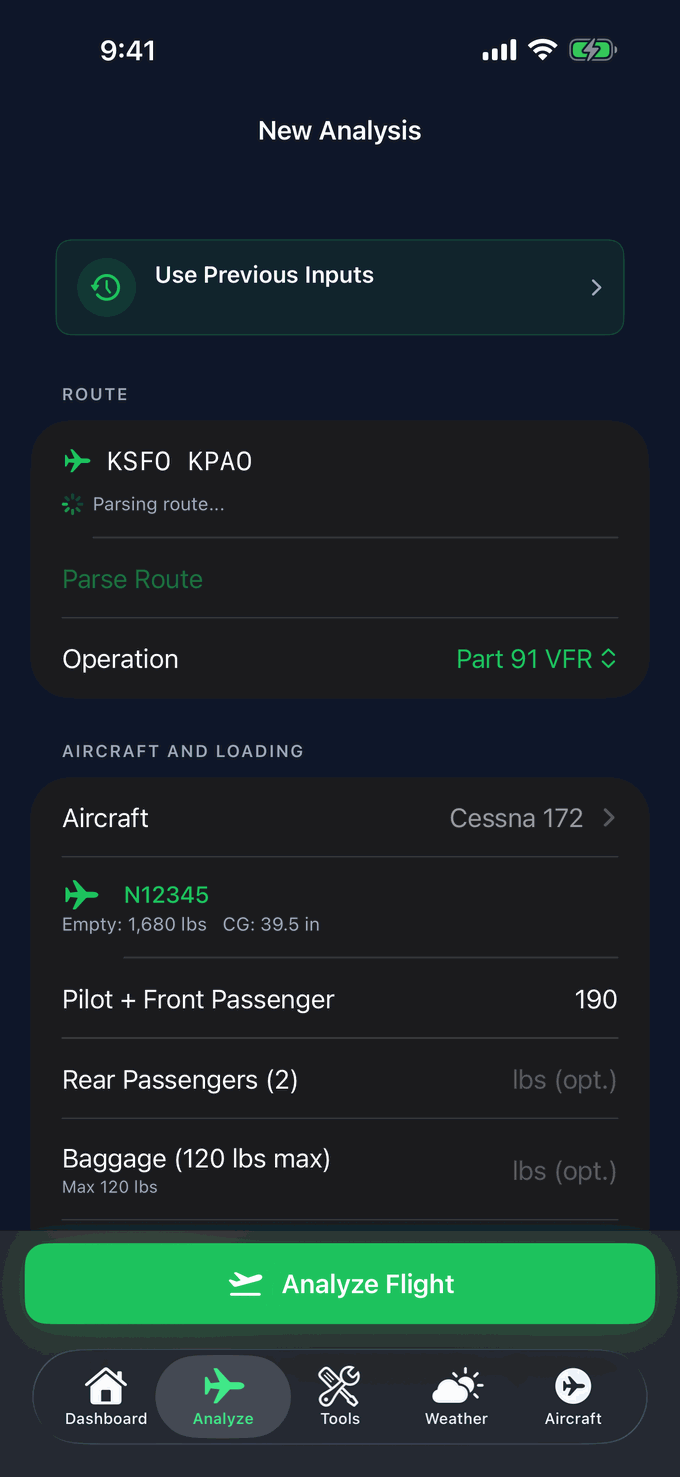
FlightDecide is an AI-assisted go/no-go decision-support app for general aviation pilots. For a planned flight window, it reads the TAFs, NOTAMs, fuel requirements, aircraft performance, and weight & balance, then produces a scored advisory verdict with verifiable reasoning. Every interpretation is traceable back to the raw METAR, TAF, and NOTAM data behind it. FlightDecide is decision support only: it is a structured second opinion, not an authorization to fly, and the pilot in command always makes the final call. FlightDecide is available now on the App Store for iPhone.
At a glance
A line you can quote
“FlightDecide gives GA pilots a structured second opinion on the go/no-go call, and shows the raw data so you can verify it.”
See it in under a minute
Try the interactive sample briefing: three real-world scenarios scored GO, CAUTION, and NO-GO, with the raw METAR, TAF, and NOTAM behind every call and a live Path to GO on the marginal flight.
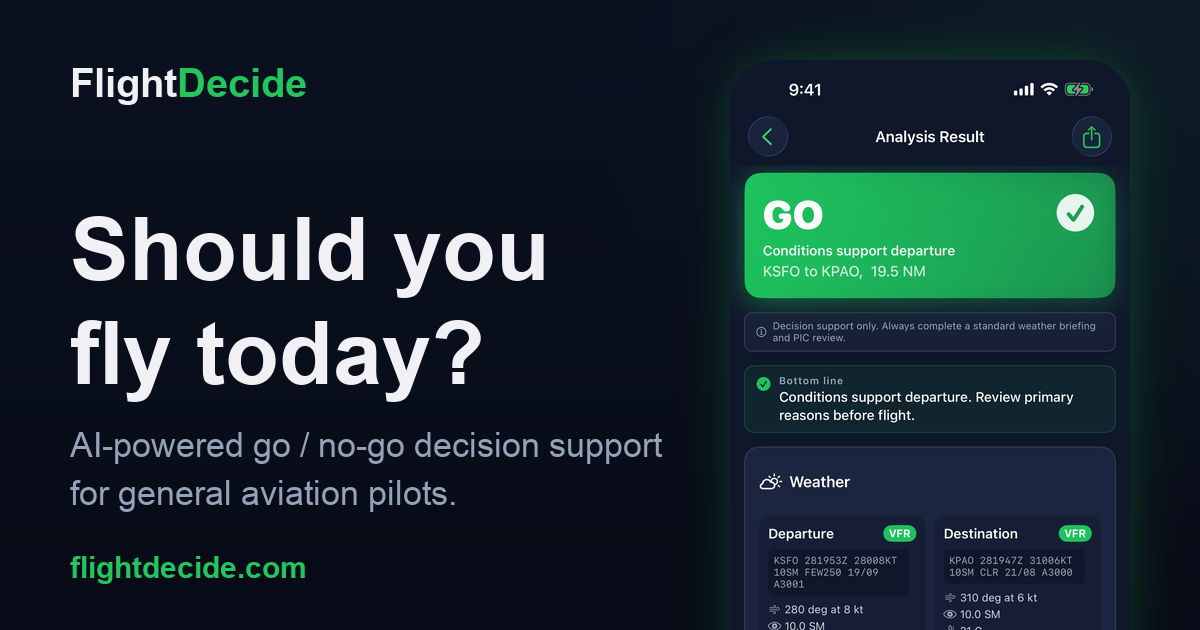
Logo & social card

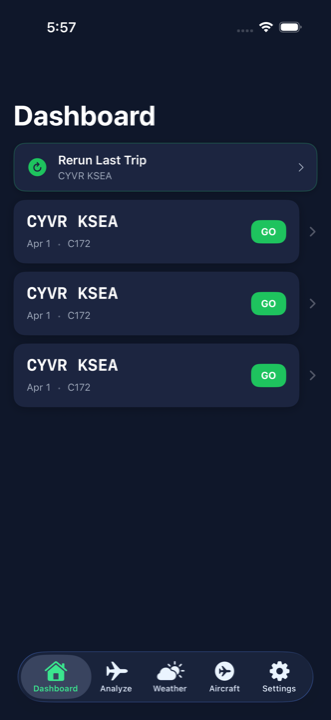
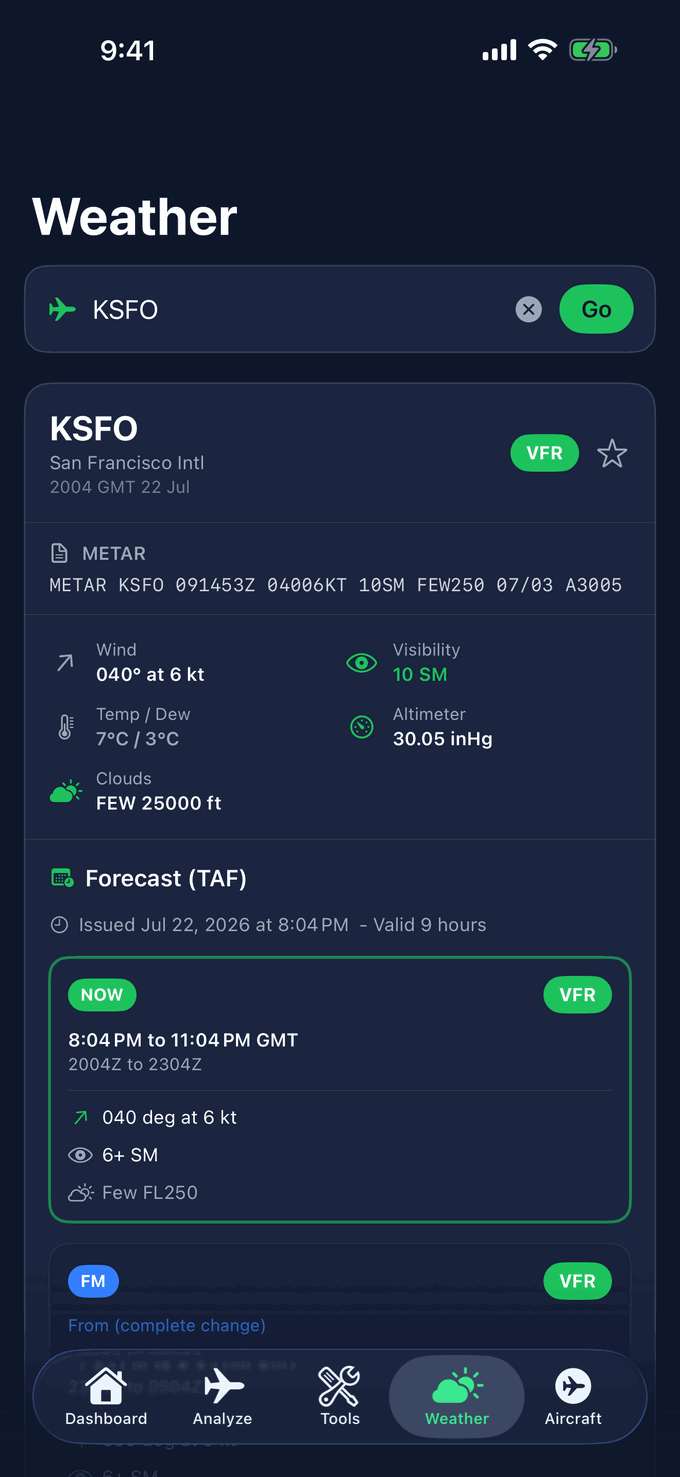
Real app screens
Press contact
For interviews, additional assets, or questions about FlightDecide, reach out anytime. We typically respond within 1–2 business days.
support@flightdecide.comFlightDecide is advisory decision support for Part 91 general aviation, not an official weather briefing and not an authorization to fly. The pilot in command retains final authority under 14 CFR 91.3. See the Aviation Disclaimer.